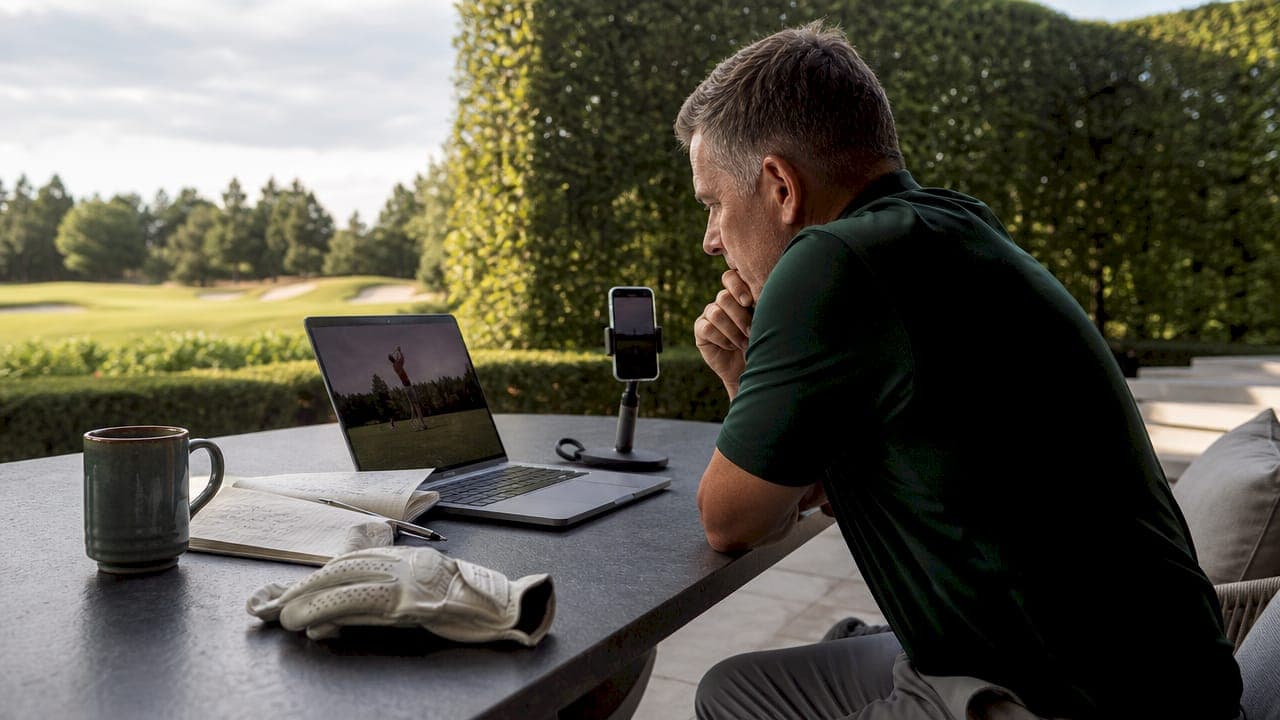
Home practice session review best practices are defined as a structured, active retrieval approach to analyzing recorded golf practice data, combining error categorization, emotional reflection, and technology-driven insights to accelerate measurable improvement. Most golfers practice regularly but skip the review step entirely. That gap is where scores stop dropping. The methods covered here draw from cognitive science, performance coaching, and golf analytics tools like Sim2coursecaddie to give you a complete system for getting more out of every session you log at home.
1. Why recording your sessions is the foundation of every good review
Recording your practice sessions is the single most effective habit you can build as a golfer. Reviewing recorded sessions improves retention of swing adjustments by up to 60%. That number means the difference between a fix that sticks for a week and one that becomes permanent muscle memory.
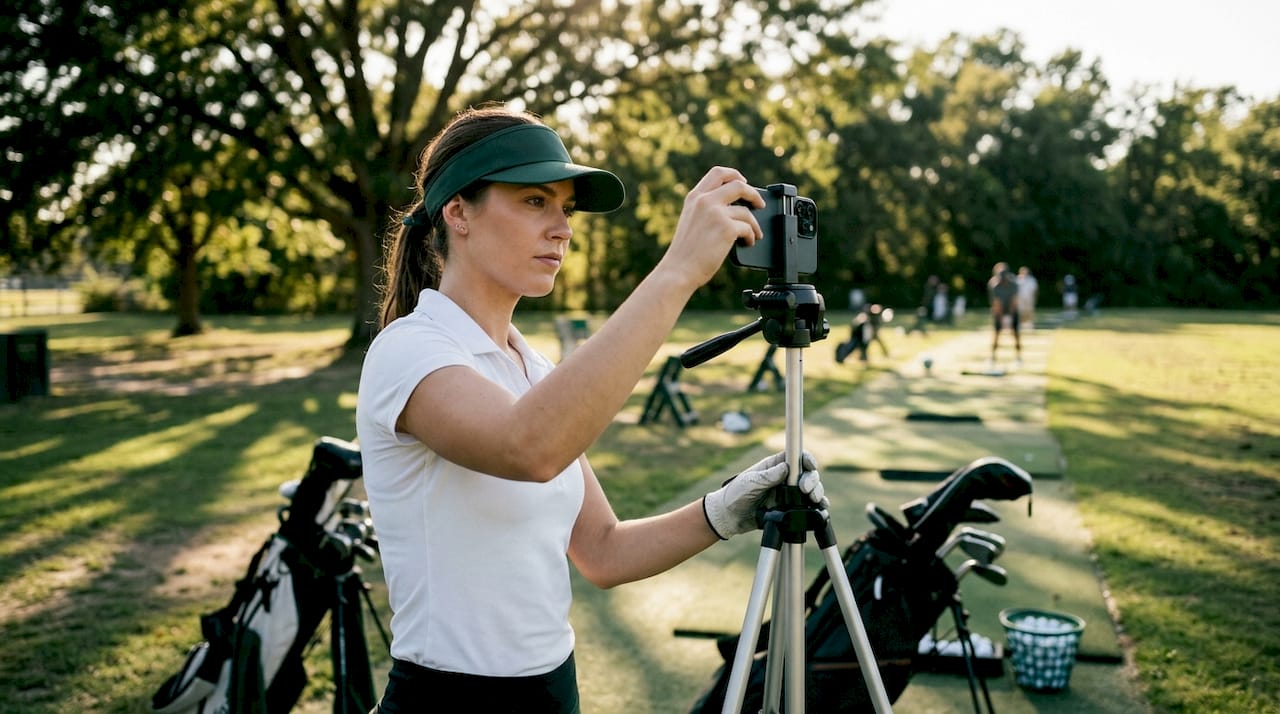
Use a consistent camera angle, ideally face-on and down-the-line, so your comparisons across sessions are valid. File your recordings by date and club so you can pull up a specific session without digging through folders. Consistent organization turns your recordings from a passive archive into an active reference tool.
- Record every session, not just the good ones. Poor sessions are your most valuable data.
- Use natural light or a well-lit indoor space to keep video quality high enough for analysis.
- Label files with the date, club, and a one-word note like "draw" or "fat" to speed up future searches.
- Keep recordings in a dedicated folder, not scattered across your camera roll.
Pro Tip: Set your phone on a tripod at hip height, six feet behind the ball. That angle captures both your setup and your follow-through in a single frame without any cropping.
2. Home practice session review best practices: active analysis over passive watching
Watching your swing without a plan is the most common mistake golfers make during review. High performers apply a 70-30 rule: 70% of review time goes to active retrieval and testing, while only 30% goes to passive watching. That ratio forces you to engage with what you see rather than just observe it.
Active analysis means pausing the video, naming the error out loud, and stating the correction before you move on. Avoid recognition-only review. Recognizing a fault is not the same as knowing how to fix it. Force yourself to articulate the corrective action every single time.
Here is a four-step active analysis process:
- Watch the full swing once without stopping. Get a general impression before zooming in.
- Pause at impact and name exactly what the club face, path, and body position are doing.
- State the correction aloud. Say it in one sentence: "My right elbow is flying at the top, so I need to keep it tucked on the backswing."
- Replay the clip and confirm whether your stated correction matches what you see.
Categorizing errors into three types sharpens your corrections further. Knowledge gaps mean you do not understand the correct movement. Misapplication means you understand it but cannot execute it consistently. Careless errors are one-off lapses in focus. Each type needs a different response, and mixing them up wastes practice time.
Pro Tip: After each review session, write one sentence per error category. Three sentences total. That short summary becomes your warm-up checklist for the next practice.
3. Structuring review sessions for maximum efficiency
Review sessions work best when they are short and frequent. Sessions of 20–30 minutes yield better consistency and avoid the mental fatigue that makes longer reviews counterproductive. A daily 25-minute review beats a two-hour session once a week every time.
Structure your review time into three blocks. Spend the first five minutes watching the previous session's recording without notes. Use the next 15 minutes for active analysis with pauses, annotations, and verbal corrections. Reserve the final five minutes for emotional reflection, which is covered in the next section.
"The golfer who reviews a short session every day builds a mental model of their swing that no amount of range time alone can create. Frequency beats duration. Consistency beats intensity."
Keep a written log of each review. Note the date, the club you reviewed, the main error you identified, and the correction you plan to drill next session. That log becomes a progress map you can look back on after 30 days to see real, documented change.
- Schedule reviews at the same time each day to build the habit.
- Review the most recent session first, then compare it to a session from two weeks ago.
- Keep your review space distraction-free. Treat it like a film room, not casual TV watching.
4. Leveraging emotional cues during your review
Emotional state during practice directly affects execution consistency and motivation. Most golfers ignore this entirely. Reviewing how you felt during a session, not just what your swing looked like, gives you a second layer of data that explains why certain shots broke down.
Ask yourself three questions after every review. Were you frustrated during that sequence? Were you distracted? Were you confident? Each answer points to a pattern. A golfer who consistently mishits under frustration needs a pre-shot routine adjustment, not a swing fix.
- Note emotional states alongside technical errors in your review log.
- Flag sessions where confidence was high and study what made them different.
- Use emotional awareness to identify which practice conditions produce your best ball-striking.
- Keeping recordings of poor performances motivates continued practice by showing you how far you have come.
Emotional awareness also protects your motivation. When you can watch a bad session from three months ago and compare it to today, the improvement becomes undeniable. That objective comparison is more powerful than any pep talk.
5. Using the teach-back method to lock in swing changes
The teach-back method is one of the most underused tools in golf practice review. Explaining a concept aloud deepens technical understanding and exposes knowledge gaps you did not know you had. If you cannot explain your swing fault clearly, you do not fully understand it yet.
After your active analysis, close your laptop and explain your main finding to an imaginary student. Walk through the fault, the cause, and the fix in plain language. If you stumble or go vague, that is the gap you need to address before your next session. This method works because teaching forces precision. Watching only requires recognition.
You do not need a partner for this. Record yourself explaining the correction on your phone. Play it back. If your explanation is clear and specific, you are ready to drill it. If it is fuzzy, review the clip again until you can explain it in two sentences.
6. Integrating simulator data into your home review process
Simulator data transforms your review from subjective observation into objective measurement. Tracking multiple clubs reveals weaknesses that video alone cannot show. A golfer might look solid on video but carry a consistent 15-yard fade with their 6-iron that only shows up in shot cluster data.
Sim2coursecaddie lets you import shot data from any golf simulator, visualize your shots in a 3D driving range, and receive AI-driven club recommendations based on your actual performance history. That data layer adds context to everything you see in your video review. When your multi-session shot tracking shows a pattern of short misses with your wedges, your review session has a specific target instead of a general feeling.
| Review method | What it reveals | Best used for |
|---|---|---|
| Video review | Swing mechanics and body position | Diagnosing movement faults |
| Simulator shot data | Distance, dispersion, and club trends | Identifying pattern weaknesses |
| Combined approach | Full picture of cause and effect | Targeted, measurable improvement |
Pro Tip: Pull your Sim2coursecaddie shot data before you watch your video. Let the data tell you which club and shot type to focus on, then use the video to find the mechanical cause.
7. Reviewing successful shots, not just mistakes
Most golfers fast-forward through their good shots during review. That is a mistake. Reviewing successful shots reinforces the neuromuscular patterns that produced them. Your brain needs repetition of the correct movement, not just correction of the wrong one.
Spend at least 30% of your active analysis time on shots that worked. Pause on a clean iron strike and name exactly what you did right. Note your grip pressure, your tempo, your weight shift. That description becomes a checklist you can mentally rehearse before your next session. Balanced review of good and bad shots builds both correct habits and correctable errors into your practice plan at the same time.
Key Takeaways
Structured home practice session review, combining active retrieval, error categorization, emotional reflection, and simulator data, produces faster, more lasting improvement than unstructured practice alone.
| Point | Details |
|---|---|
| Record every session | Video recordings improve swing adjustment retention by up to 60% when reviewed consistently. |
| Apply the 70-30 rule | Spend 70% of review time on active retrieval and only 30% on passive watching. |
| Categorize your errors | Split faults into knowledge gaps, misapplication, and careless errors for targeted corrections. |
| Use simulator data | Multi-club shot tracking reveals pattern weaknesses that video review alone cannot detect. |
| Review good shots too | Analyzing successful swings reinforces the neuromuscular patterns you want to repeat. |
Why I think most golfers are reviewing their practice completely wrong
Here is what I have seen over and over: golfers spend 90 minutes hitting balls, record maybe half of it, watch it once while scrolling their phone, and call it a review. That is not a review. That is background noise.
The golfers who actually improve fastest are the ones who treat their review session like a second practice. They come to it with a specific question. They pause, they speak out loud, they write things down. They use their simulator data from Sim2coursecaddie to know which club to focus on before they even open the video file. That combination of data and video is genuinely powerful, and most golfers are leaving it on the table.
The emotional piece is the part I find most underrated. I have watched golfers fix a mechanical fault in one session and then lose it completely the next time they play under pressure. The swing was fine. The emotional state was not. When you start logging how you felt during a session alongside what your swing looked like, patterns emerge that change how you practice entirely.
My honest recommendation: keep your worst recordings. The temptation to delete a bad session is strong. Resist it. Six months from now, that recording is the most motivating thing you own. Watching yourself struggle with a fault you have since fixed is better than any highlight reel.
— Jeff
What Sim2coursecaddie adds to your review process
Your home practice review is only as good as the data behind it. Sim2coursecaddie gives you access to detailed shot analytics from any golf simulator, so your reviews are built on real numbers, not guesswork.

The Raw Data page lets you dig into shot clusters, carry distances, and club-by-club trends across every session you have logged. That granular view tells you exactly which club to prioritize in your next review. For golfers who want AI-driven recommendations and deeper performance tracking, the Upgrade page adds personalized insights built around your actual game. Both tools work alongside your video review to give you a complete picture of where your game stands and where it needs to go.
FAQ
How long should a home practice review session be?
Review sessions of 20–30 minutes produce the best results by maintaining focus and avoiding mental fatigue. Daily short sessions outperform longer, infrequent ones.
What is the 70-30 rule for practice review?
The 70-30 rule means spending 70% of review time on active retrieval, such as pausing video and stating corrections aloud, and only 30% on passive watching. This ratio produces deeper retention and faster improvement.
Should I keep recordings of bad practice sessions?
Yes. Keeping poor session recordings gives you an objective record of your progress over time. Comparing a bad session from three months ago to today is one of the most motivating things a golfer can do.
How does simulator data improve home practice reviews?
Simulator data reveals shot dispersion, carry distances, and club-specific trends that video review cannot show. Tools like Sim2coursecaddie let you identify club weaknesses before you even open your video file, so your review has a clear focus.
What is the teach-back method and why does it work for golfers?
The teach-back method means explaining your swing fault and its correction aloud, as if teaching someone else. It forces precision in your understanding and exposes knowledge gaps that passive video watching never reveals.