
Real-time golf course analytics are live, personalized on-course recommendations generated from your simulator or launch-monitor shot history. During a round, they surface as specific, actionable outputs:
- Live GPS caddie with AI club pick — the system selects a club based on your recorded carry distances, not a generic yardage chart
- Dispersion-based aim offset — using your personal 95% miss-ellipse, it shifts your target left or right to center your statistical pattern on the safest part of the green
- Distance-dispersion alert — flags whether your short/long variance is the bigger risk on a given shot, since greens are typically wider than they are deep
- Wind/elevation/roll-adjusted yardage — adds environmental corrections to your baseline carry before issuing a recommendation
Sim2coursecaddie applies all four of these in a single app. Golfers who follow data-informed aiming strategies can often reduce lateral dispersion significantly within a few dozen logged shots, without touching their swing mechanics.
Table of Contents
- 1. Live GPS caddie with AI club recommendation
- 2. Dispersion-based aim point using the 95% miss-ellipse
- 3. Distance-dispersion alert (short/long risk)
- 4. Wind, elevation, and roll-adjusted yardage
- 5. Hazard risk score
- 6. Layup vs. go expected strokes value
- 7. Live shot-shape bias detection
- 8. Green approach landing-zone suggestion
- 9. Putt-length vs. make-probability prompt
- 10. Post-shot next-hole suggestion
- How simulator data becomes a live on-course recommendation
- How Sim2coursecaddie turns your practice data into a tee-box recommendation
- A 6-step workflow for using live analytics during a round
- What real-time analytics can't guarantee
- Key Takeaways
- Why I trust live analytics for serious play — and when I don't
- Sim2coursecaddie puts every one of these examples in your pocket
- Useful sources
1. Live GPS caddie with AI club recommendation
The system pulls your mean carry and dispersion for every club, cross-references the GPS-measured distance to the target, and returns a single club pick with a confidence level. No guessing from a yardage book.
2. Dispersion-based aim point using the 95% miss-ellipse
Rather than aiming at the pin, the app calculates the ellipse that contains 95% of your shots for that club and centers it on the safest green zone. T5 Golf's research shows this reframes misses into strategically safer outcomes. For a mid-handicapper, a 7-iron lateral spread means the aim point can shift several yards from the flag without sacrificing green hits.
Pro Tip: Pick a specific intermediate target on the ground, 3–5 feet in front of your ball, that aligns with the offset aim point. Alignment sticks in practice ingrain this habit so it transfers to the course automatically.
3. Distance-dispersion alert (short/long risk)
Most golfers obsess over left/right misses. HackMotion's analysis points out that distance dispersion is frequently the bigger scoring leak. When the app detects that your depth variance for a club exceeds the green's front-to-back depth, it flags the shot as a distance-dispersion risk and suggests clubbing up or down accordingly.
4. Wind, elevation, and roll-adjusted yardage
Raw carry distance from a simulator session is measured indoors, in still air, on a flat lie. On-course, real-time caddie systems combine your baseline carry with live wind speed and direction, elevation change, and estimated roll to produce a corrected yardage. The recommendation might read: "147 yards plays 154 — take 8-iron."

5. Hazard risk score
The app overlays your 95% miss-ellipse on the hole's GPS map and calculates the probability that a shot lands in a hazard, penalty area, or out-of-bounds zone. A high risk score triggers a layup suggestion or a club change to tighten the dispersion footprint.
6. Layup vs. go expected strokes value
On a par 5 or a tight approach, the system runs a simple expected-value comparison: the projected score from going for it (weighted by your dispersion and the green's difficulty) versus laying up to your strongest yardage. It returns a recommendation with the stroke differential.
7. Live shot-shape bias detection
If your logged data shows a consistent draw or fade pattern for a specific club, the app factors that shape into the aim offset. A golfer with a 12-yard average draw on their 6-iron gets an aim point shifted 12 yards right of the intended landing zone, not at it.
8. Green approach landing-zone suggestion
Beyond club selection, the system identifies the optimal landing zone on the green based on pin position, slope data, and your distance-dispersion profile. It might recommend the front-center of the green when the pin is back-right and your depth variance is high.
9. Putt-length vs. make-probability prompt
Once on the green, the app references your logged putting data to show make probability by distance. From 8 feet, your personal make rate might be 42%. From 15 feet, it drops sharply. The prompt nudges you toward a lag-putt strategy when the numbers favor it.
10. Post-shot next-hole suggestion
After logging a shot outcome, the system updates its model for the next hole in real time. If you just missed two greens short, it adjusts the distance-dispersion weight upward for subsequent approach recommendations.
| Measurement | Sample output | Golfer action |
|---|---|---|
| Driver carry dispersion | 40-yard lateral spread, 95% ellipse | Aim several yards left of right rough |
| 7-iron depth variance | ±9 yards short/long | Club up one; target front of green |
| Wind-adjusted yardage | 152 plays 154 | Switch from 8-iron to 7-iron |
| Hazard risk score | high risk OB probability | Lay up to preferred zone |
| Shot-shape bias | 12-yard average draw | Shift aim point 12 yards right |
How simulator data becomes a live on-course recommendation
The pipeline from launch monitor to tee-box prompt runs in five steps:
- Capture — the launch monitor records ball speed, launch angle, carry distance, total distance, and offline distance per shot. These metrics are the raw inputs for every downstream model.
- Clean — outliers from mishits, setup errors, and double-reads are removed. Raw simulator CSVs frequently contain dirty data that inflates carry averages; a cleaning layer filters those before computing means and dispersion.
- Map — the cleaned shot cluster is projected onto a geo-referenced course map. Indoor carry distances are translated to outdoor equivalents and anchored to GPS coordinates.
- Model — the system calculates your 95% miss-ellipse width and center, mean carry, depth variance, and shot-shape bias. AI-driven profiling also factors in attack angle, face angle, and dynamic loft to refine club-pick predictions.
- Deliver — the recommendation reaches you via push notification, on-screen prompt, or voice cue, typically within a few seconds of requesting it.
Latency depends on your data pathway. A live Bluetooth connection between a launch monitor and the app delivers near-instant updates. Exported CSV files require a manual import step, which adds a few minutes but produces the same quality of recommendation once loaded.
Pro Tip: Build your baseline with a focused block: a couple dozen shots with a single club in one session produces a reliable dispersion profile faster than scattering single shots across multiple sessions. Around thirty shots per club is often cited as a threshold for statistical confidence.
How Sim2coursecaddie turns your practice data into a tee-box recommendation
Sim2coursecaddie recommends a 7-iron with a +6-yard aim offset because your logged depth variance and current wind conditions make the 8-iron a short-side risk.
Here is how that recommendation is built, step by step:
- You import a session from your launch monitor or simulator. Sim2coursecaddie ingests the CSV and runs its cleaning layer.
- You select the hole and pin position in the app. The GPS map loads the target coordinates.
- The system calculates your 95% miss-ellipse for the 7-iron: mean carry 152 yards, lateral SD 9 yards, depth variance ±7 yards, ellipse width 22 yards.
- It overlays that ellipse on the green, detects a bunker on the short-left, and shifts the aim point +6 yards right of the flag.
- Wind correction adds 4 yards to the effective distance. The app confirms: 7-iron, aim at the right-center of the green.
| Club | Mean carry | Lateral SD | 95% ellipse width | Aim offset |
|---|---|---|---|---|
| 8-iron | — | 10 yards | 22 yards | +2 yards right |
| 7-iron | 152 yards | 9 yards | 22 yards | +6 yards right |
| 6-iron | 152 yards | 9 yards | — | +4 yards right |
The golfer sees a single, clear prompt on the app screen: club, aim point, and adjusted yardage. No mental arithmetic required on the tee.
A 6-step workflow for using live analytics during a round
- Pre-round calibration — open Sim2coursecaddie, confirm your most recent session is loaded, and set ball type and typical lie defaults.
- Enter conditions — input wind speed and direction, temperature, and select the correct tee box. The app adjusts all carry baselines automatically.
- Select your target — choose the pin position or intended landing zone for each shot. The GPS map populates the distance.
- Follow the recommendation — accept the club pick and aim offset. Use an intermediate target on the ground to align to the offset, not the flag.
- Log the outcome — after the shot, record the result (green hit, miss direction, penalty). This updates your model in real time for subsequent holes.
- Review the next-shot prompt — before the next tee, check whether the system has adjusted its weighting based on the logged outcome.
If a recommendation feels wrong — say, the suggested club is two clubs shorter than your instinct — check whether the wind input is current and whether the session data loaded correctly. When in doubt, override and note it. One bad recommendation does not invalidate the system; a pattern of bad ones signals a calibration issue worth fixing before the next round. For a deeper look at shot-by-shot logging workflows, the Sim2coursecaddie blog covers the full process.
What real-time analytics can't guarantee
Live analytics are probabilistic decision support, not certainties. Four main error sources limit accuracy:
- Hardware variance — consumer launch monitors carry measurement tolerances that affect carry and offline readings, especially on off-center strikes.
- Dirty data — uncleaned CSVs with mishits or misreads inflate carry averages and skew dispersion. The cleaning layer matters.
- Mapping discrepancies — GPS course maps have positional tolerances; the app's green boundary may not perfectly match the actual green edge.
- Weather unpredictability — wind gusts, rain, and firm/soft ground conditions change faster than any model updates.
Raw averages without a cleaning pass are a specific trap. A single 40-yard pull-hook logged as a normal 7-iron shot will drag your mean carry down and your lateral SD up, producing an aim offset that is too aggressive. ClubData's guidance on data cleaning is worth reviewing before you trust any dispersion model.
Bluetooth disconnects and delayed GPS loading are the most common UX failure modes. Keep the app open and connected before you reach the tee, not while you are standing over the ball.
Key Takeaways
Real-time golf course analytics convert your simulator or launch-monitor shot history into specific, in-round decisions — and the 95% miss-ellipse aim strategy is the single highest-leverage place to start.
| Point | Details |
|---|---|
| 95% miss-ellipse aiming | Center your ellipse on safe green areas, not the pin, to turn statistical misses into strategically safer outcomes. |
| Distance dispersion first | Short/long variance is often the bigger scoring leak; prioritize distance-dispersion alerts over lateral ones. |
| Data quality matters | A cleaning layer that removes mishits and outliers is required before any dispersion model produces trustworthy recommendations. |
| Six-step in-round workflow | Calibrate, enter conditions, select target, follow the recommendation, log the outcome, and review the next prompt. |
| Sim2coursecaddie | Imports simulator/launch-monitor data, calculates aim offsets and club picks, and delivers live GPS caddie recommendations via a free iOS app or web platform. |
Why I trust live analytics for serious play — and when I don't
The conventional wisdom says analytics are for practice, not competition. That framing misses the point entirely.
The value of live analytics in a real round is not that they replace judgment. It is that they replace bad judgment — the kind that comes from remembering your best 7-iron instead of your average one, or aiming at a flag that is tucked behind a bunker because it feels bold. The 95% miss-ellipse forces you to play the golfer you actually are, not the one you were for three holes last Tuesday.
Where I would override a recommendation: a sudden wind shift that the app has not registered, a lie that changes the shot shape dramatically, or a hole where local knowledge (a false front, a hidden slope) makes the GPS map unreliable. Those are real variables the model cannot see. But on a standard approach from a clean lie with current conditions entered? The data is almost always a better guide than instinct.
The deeper point is this: most amateur golfers lose strokes not because their swing is broken but because their target selection is optimistic. Live analytics fix the target problem without requiring a lesson. That is a faster path to lower scores than most people expect.
Sim2coursecaddie puts every one of these examples in your pocket
Sim2coursecaddie is the fastest way to move from a simulator session to live, data-backed decisions on the course. Import your launch-monitor data, and the app calculates your dispersion profile, builds your 95% miss-ellipse, and delivers AI club recommendations with GPS-mapped aim offsets for any hole you play.
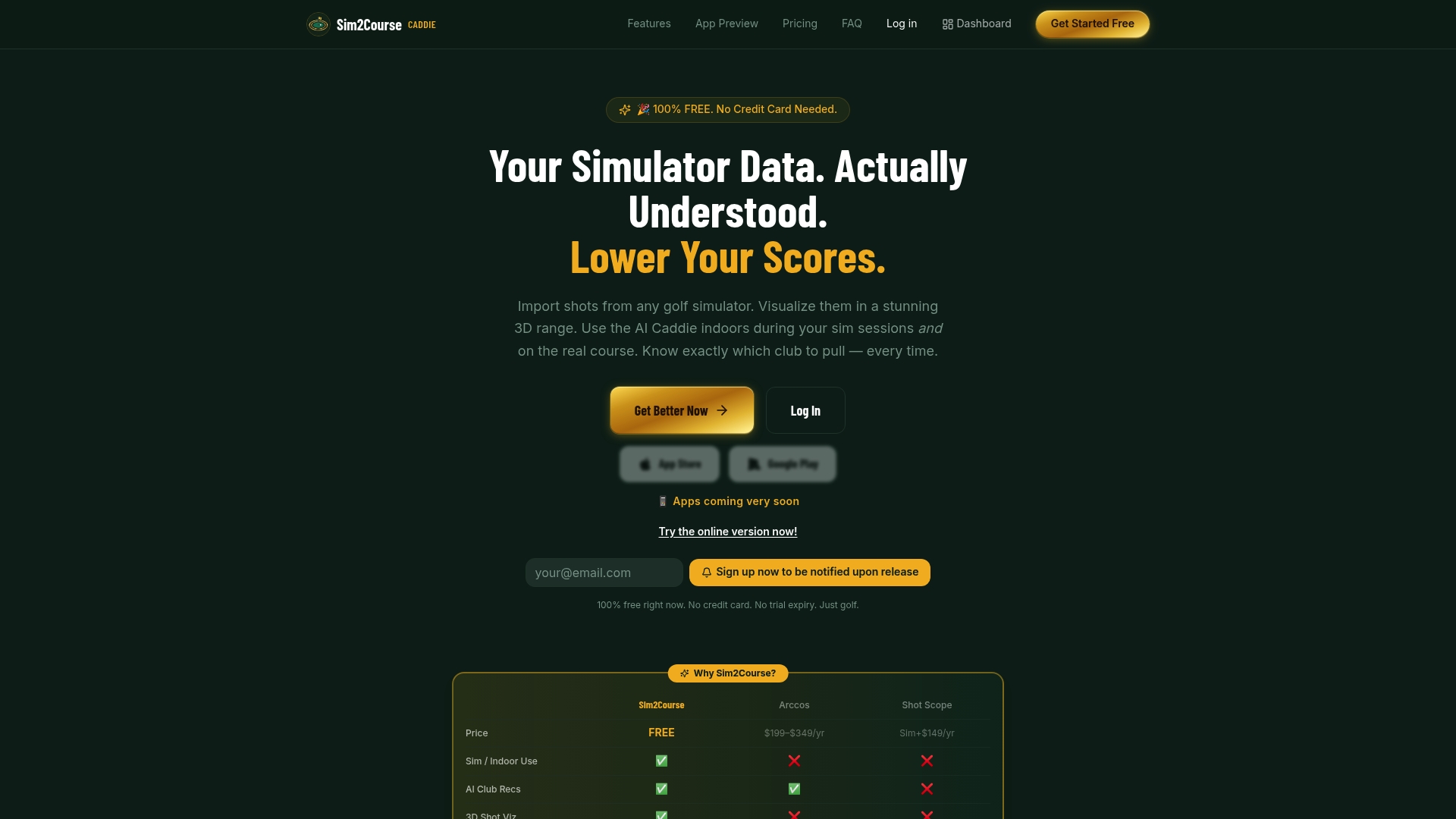
The free tier gives you full analytics and 3D shot visualization with no subscription required. A low-cost Pro plan unlocks the live GPS caddie, real-time conditions, and AI club recommendations described throughout this article.
To get started, you need: an exported session file from your simulator or launch monitor (15–30 shots per club is enough to start), a course selection in the app, and current conditions entered before your round. That is the entire setup.
Try the free analytics platform and see your dispersion profile before your next round.
Useful sources
- Shot Dispersion Explained | T5 Golf — covers the 95% ellipse methodology and how lateral dispersion predicts handicap; supports the examples catalog and aim-offset sections.
- How to Use Shot Dispersion Data to Pick Smarter Targets | T5 Golf — practical guide to centering your miss-ellipse on safe green zones; referenced in the aim-point and case-example sections.
- What Is Shot Dispersion in Golf? | T5 Golf — typical dispersion ranges by club, minimum shot counts for reliable baselines, and the 15–25% improvement figure.
- Shot Dispersion in Golf: Why It Matters & How to Improve | HackMotion — explains why distance dispersion is often a larger scoring factor than lateral dispersion.
- Using Golf Data Analytics to Improve Your Game | Rapsodo — covers environmental adjustments (wind, elevation, roll) for on-course yardage recommendations.
- ClubData — data cleaning and analytics for golf — explains the cleaning layer required before computing reliable carry averages and dispersion models.
- How AI Sees Your Swing | GolfGAIM — describes the micro-variables (attack angle, face angle, dynamic loft) that AI profiling systems use to build personalized club recommendations.