
Finding golf simulator analytics that fit specific workflows and budgets is difficult for golfers, coaches, and tournament staff. Many options demand expensive hardware, require subscriptions for advanced features, or limit device compatibility and support. This list lets you choose a golf simulator analytics platform that matches your device requirements, coaching style, and price range without surprise barriers.
Table of Contents
At a Glance
Personalized AI club recommendations come from your own simulator exports, rather than tour averages. The app turns CSV data or measured carry distances into a searchable bag database and visual shot maps. A free 14-day trial and low subscription make testing the workflow low risk.
GolfTrak
At a Glance
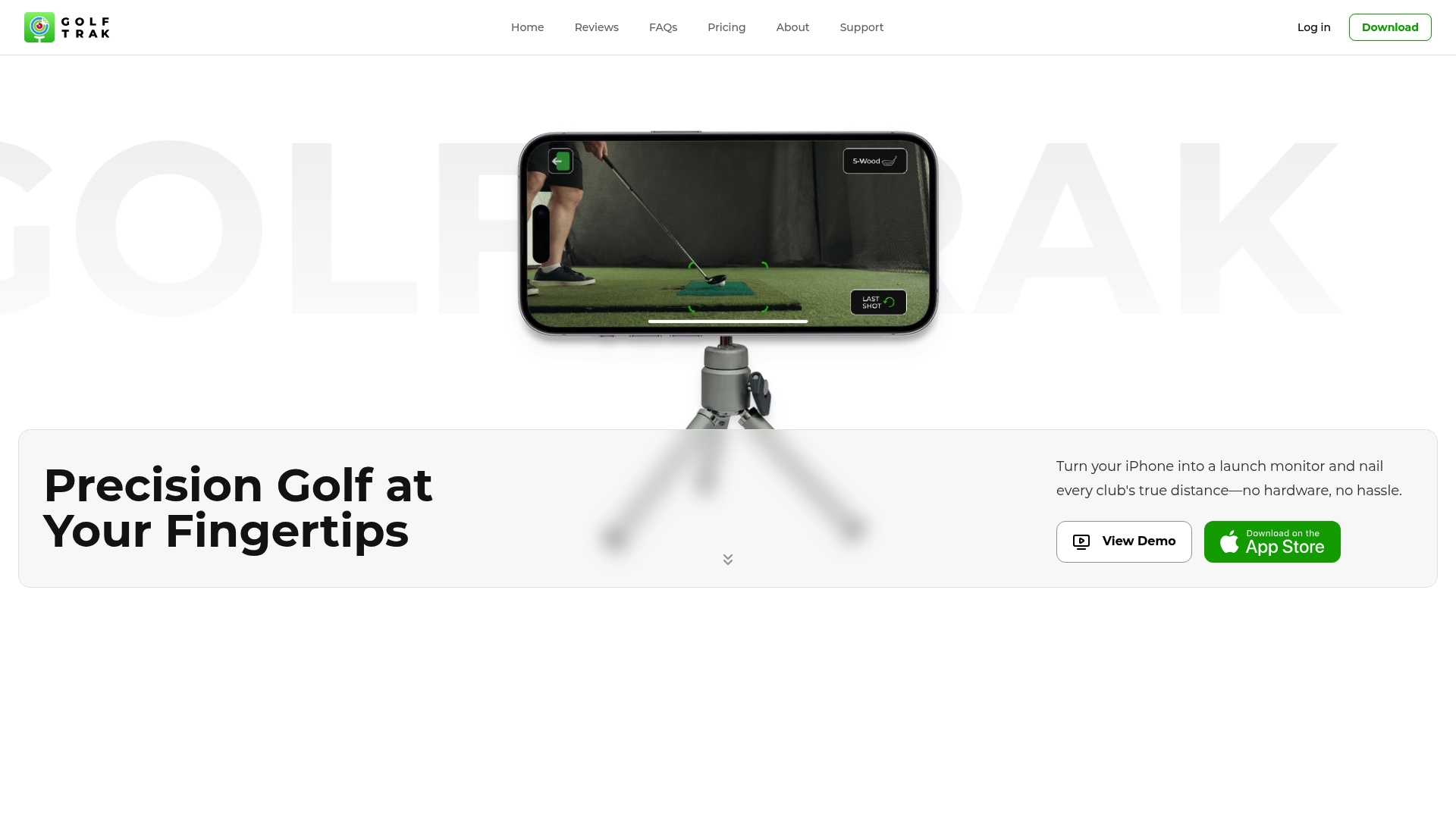
According to the company, GolfTrak combines AI and machine learning with the iPhone camera to produce launch monitor level shot data without extra hardware. The app reports real-time metrics such as distance, club speed, launch angle, and spin while recording shot video. It also links to popular simulators, so you can use the same phone indoors, at the range, or in your backyard.
Core Features
GolfTrak turns an iPhone into a launch monitor and captures real-time shot metrics including distance, speed, launch angle, and spin. The app stores shot history and offers trend analysis to track changes in your swing over time. It also supports simulator connections like GSPro and E6 Connect, and includes social sharing for shot videos and screenshots.
Key Differentiator
That technical approach removes external hardware and simplifies setup to one phone placement and a swing. The combination of on-device camera capture and machine learning aims to match high-end launch monitors in common practice conditions. For golfers who move between indoor sims and outdoor ranges, that workflow reduces gear and setup time.
Pros
User reviews report accuracy similar to expensive launch monitors, which makes GolfTrak an attractive, low-cost option for practice. Setup is simple. Place your phone, take a shot, and the app logs metrics and video for review. Many features are available without an upfront fee, and the team issues frequent updates that improve stability and metrics. Integration with GSPro and E6 Connect lets you play simulated rounds using the same tracked data.
Cons
- Occasional app crashes and bugs have been reported, although the app receives regular fixes.
- iPhone only. There is no Android version available, which limits device choices.
- Accuracy depends on camera quality and lighting, so results vary by environment.
- Some advanced tools and simulator bundles require a paid subscription.
When It May Not Fit
If you need a dedicated, hardware launch monitor for consistent lab-grade readings, GolfTrak may not meet that requirement. If your practice space has poor lighting or you use an older phone camera, the app’s metrics may degrade. Android users cannot run the app, so teams with mixed devices will need a different solution.
Notable Integrations
GolfTrak connects to GSPro and E6 Connect so tracked shots feed directly into those simulators. That link makes the app practical for players who mix simulator rounds with live practice sessions.
Who It's For
Serious amateur golfers who want an affordable, portable launch monitor without extra hardware will find GolfTrak appealing. It fits players who practice at home, use indoor simulators, or visit the driving range and prefer a single-device workflow. It also suits golfers comfortable testing settings and tolerating occasional app instability.
Real World Use Case
A golfer places an iPhone on a tripod in the backyard, records a session, and reviews distance and spin for each club in the app. They send video clips to a coach and load the same shots into E6 Connect for a simulated nine hole practice round. The setup removes the need to transport bulky launch monitor hardware.
Pricing
Free to start with a trial available. Paid plans include GolfTrak PRO at $14.99/month and GolfTrak PRO + E6 at $29.99/month. The vendor offers discounted annual plans for subscribers who commit longer term.
Website: https://golftrak.app
Upgame

At a Glance
Live synchronization with Trackman links range sessions to on course rounds for direct comparison of practice and competition play. The app captures shot data quickly using drag and drop entry and delivers post round summaries you can act on. Teams and tournament staff use those live feeds to generate leaderboards and broadcast ready reports.
Core Features
Upgame records shots with drag and drop shot entry and converts those logs into instant post round insights and customizable performance benchmarks. It includes goal tracking, team dashboards for managing multiple athletes, and bulk onboarding to add squads quickly. The platform also delivers live tournament analysis with leaderboards, shot maps, field adjusted insights, and exportable reports for broadcast.
Key Differentiator
Live synchronization with Trackman is the single feature that sets Upgame apart. That link ties range telemetry to on course performance so coaches and tournament directors can compare practice numbers and competitive results. This focus on federations and events makes Upgame more tournament and team oriented than simulator first tools like Sim2coursecaddie.
Pros
Upgame provides live tournament telemetry and reporting that supports event production and broadcast workflows. Its team dashboards and bulk onboarding speed up roster management for academies and federations. The Trackman connection brings richer data to each shot, which helps coaches translate range work into match plans and shot selection. The platform also supports personalized player analysis and strategic benchmarking across custom performance levels.
Cons
- Independent reviews do not highlight clear product limitations, so publicly visible weaknesses are limited.
- Pricing details are not listed inline and require visiting the vendor pricing page to compare plans.
- Heavy reliance on Trackman data may make the platform less useful for players who use simulator hardware only.
- Features aimed at tournaments and broadcasters may feel more than what a casual practice user needs.
Notable Integrations
- Trackman
Who It's For
Coaches, tournament organizers, and federation staff who need live scoring, shot maps, and field level insights. College coaches and performance directors who manage squads will appreciate the bulk onboarding and team reporting. Touring professionals and their coaches who already use Trackman will get the most value from the combined range and on course view.
Real World Use Case
A professional coach runs a pre event practice block on the range with Trackman and logs session shots in Upgame with drag and drop entry. During the tournament, the coach watches leaderboards and shot maps to spot trends and adjusts strategy between rounds. The coach then exports broadcast ready reports for the team and for event production.
Pricing
See the Pricing page for detailed plans and available tiers. The vendor lists plan details on that page.
Website: https://upgame.app
CORE Golf
At a Glance
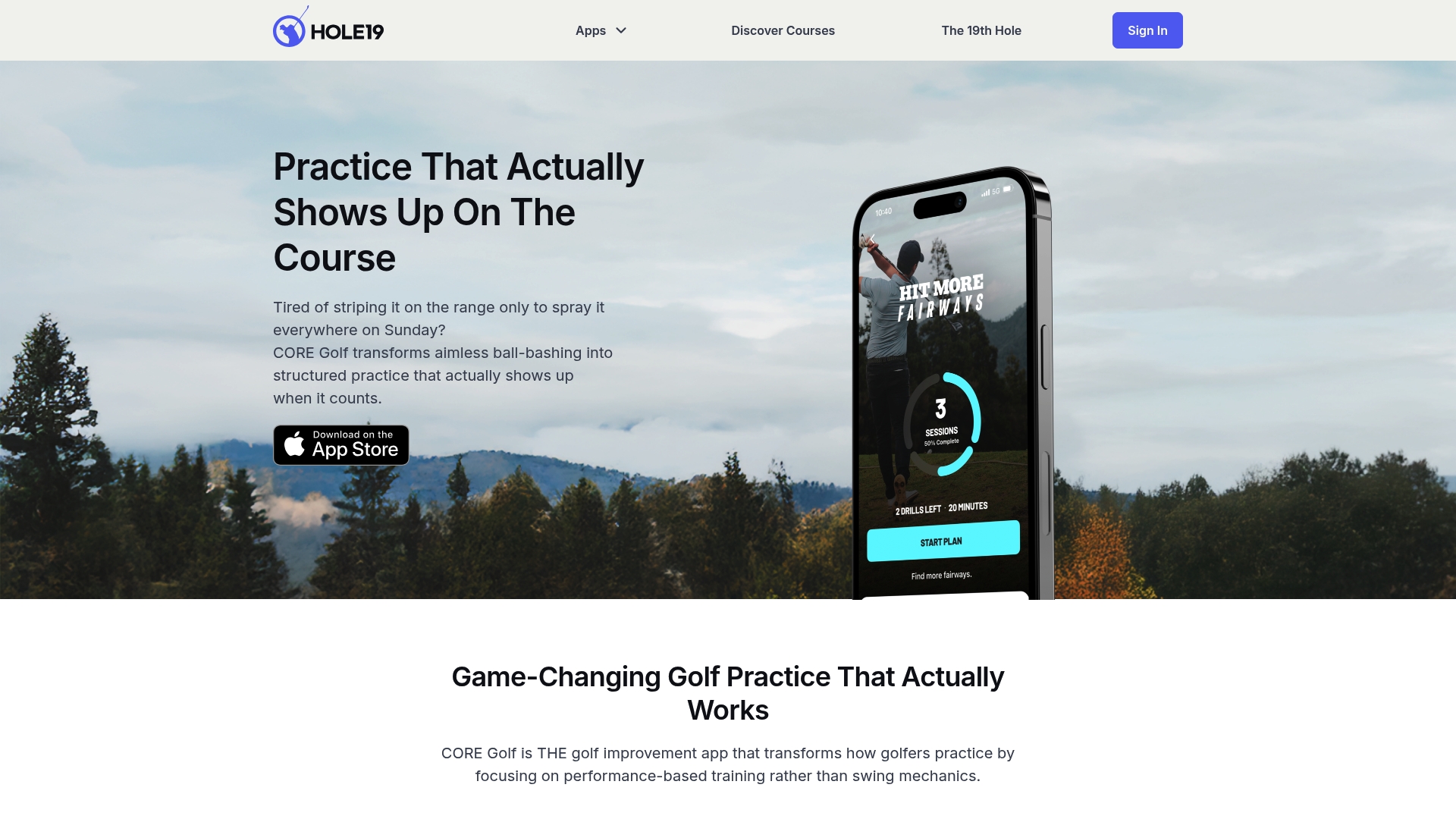
Custom practice routines include 100+ drills that focus on transferring practice gains directly to on course performance. The app treats practice as measurable work rather than open-ended repetition. It pairs drill libraries with progress tracking and social sharing to keep sessions accountable.
Core Features
The app delivers personalized practice plans that target specific weaknesses and build progressive sessions around clear goals. The drill library combines custom practice routines and performance focused exercises that simulate common course situations. Users can record swings, log measurable improvement, and share session clips with coaches or friends for feedback.
Key Differentiator
CORE Golf centers drills on on course transfer instead of purely technical swing mechanics. Progress tracking ties drill selection to measurable outcomes so you can see which practice moves your scores. Built in social features encourage accountability by making it easy to share short videos and session summaries.
Pros
Structured practice routines remove guesswork by turning random nets and aimless range time into measurable sessions focused on course results. Personalized plans target clear weaknesses and adapt drills as you improve, which keeps practice relevant to real rounds. Progress tracking creates a documented record of what improved and what did not, supporting repeatable adjustments between sessions. Social sharing raises accountability by making short videos and session summaries simple to send to coaches or peers.
Cons
- Few independent critiques appear, and cited coverage emphasizes motivation and real course results without listing concrete drawbacks.
- Pricing details are not publicly listed, so budget planning requires contacting the vendor or checking app stores.
- The app focuses on performance rather than technical swing instruction, which may disappoint golfers seeking detailed biomechanical feedback.
Who It's For
This app fits golfers who prefer practice that links directly to scores. You will get the most value if you want measurable sessions and clear drills rather than long technical breakdowns. Coaches can use shared session summaries to assign homework and monitor progress. The app suits beginners through low handicaps who favor practical drills over biomechanical analysis.
Real World Use Case
A mid handicap golfer identifies a weak approach game using in app diagnostics. They follow a personalized plan that schedules short range sessions and course simulations. The session log shows improved distance control and fewer three putts as the practice choices reinforce on course outcomes.
Pricing
Price is not publicly listed. The vendor appears to use a subscription model and may offer a free trial. Check the app store listing or the vendor site for current plans and any trial details.
Website: https://coregolf.app
Snap 'n Track
At a Glance
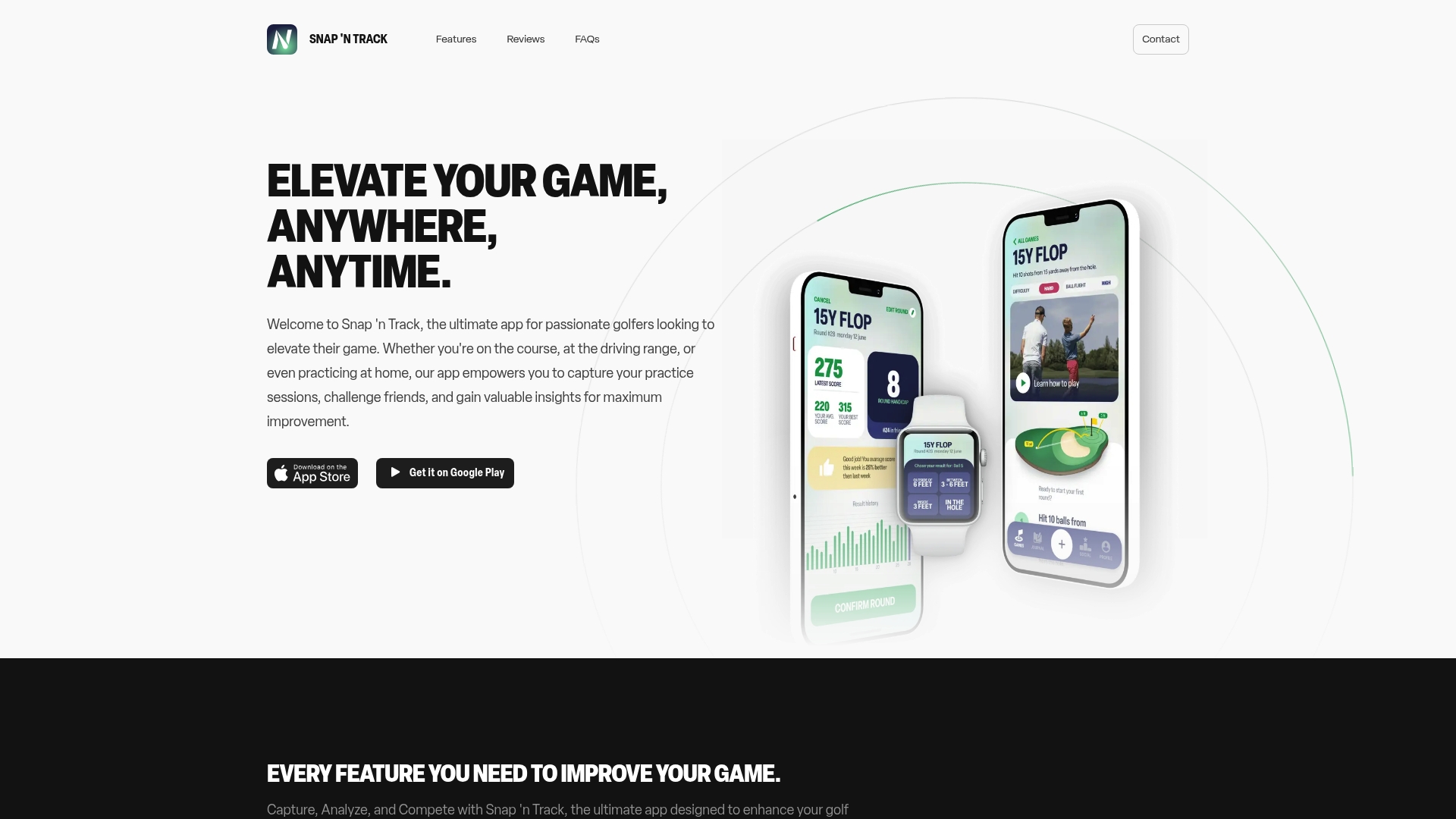
Offline functionality with device sync lets you record practice without a network and merge sessions later across phones. The app pairs simple video capture with basic performance analysis and leaderboards. It comes in free and paid tiers for extra analytics and customization.
Core Features
Snap 'n Track centers on capture and analyze workflows that record practice swings and replay video with basic metrics. It adds social play through leaderboards and friend challenges, which keep practice competitive. The app works on iOS and Android and supports offline recording plus later device sync.
Key Differentiator
Snap 'n Track combines mobile video capture, on-device analysis, and social competition in one pocket-ready app. That focus makes it better for golfers who want on-the-go practice tracking and friendly rivalry. It serves a narrower audience than simulator-first analytics tools that require hardware or simulator imports.
Pros
The app works at any practice location, from driving range to backyard, so you can record sessions wherever you practice. Its offline recording and later sync mean you do not lose footage when a signal drops, and you can review on another device. Cross-platform availability on iOS and Android plus built-in leaderboards makes social practice and light peer comparison straightforward.
Cons
- Lacks personalized training programs. This limits players who need guided lesson plans from the app.
- Premium features require an ongoing subscription, which may deter price-sensitive players.
- Focuses on practice enhancement rather than full coaching workflows or simulator integration, so advanced coaches may find it limited.
When It May Not Fit
If you need structured coaching plans and curated lesson paths, this app will not provide that. Clubs or coaches who rely on deep simulator imports or multi-angle session stitching will find the feature set narrow. Players unwilling to accept a subscription for advanced analytics will miss some of the app's paid capabilities.
Who It's For
Casual and dedicated golfers who want a simple, portable way to track practice sessions and compare results with friends will like this app. It fits players who value quick video review and social motivation more than formal coaching. Coaches who use video for feedback can use it as a lightweight capture tool but may need additional coaching platforms.
Real World Use Case
A recreational golfer records swings during a one-hour range session and tags the best takes for later review. They sync the session to another phone and compare metrics with a friend on the leaderboard. The social challenge keeps practice focused and makes short drills into repeatable competitions.
Website: https://snapandtrack.app
OpenGolfSim
At a Glance
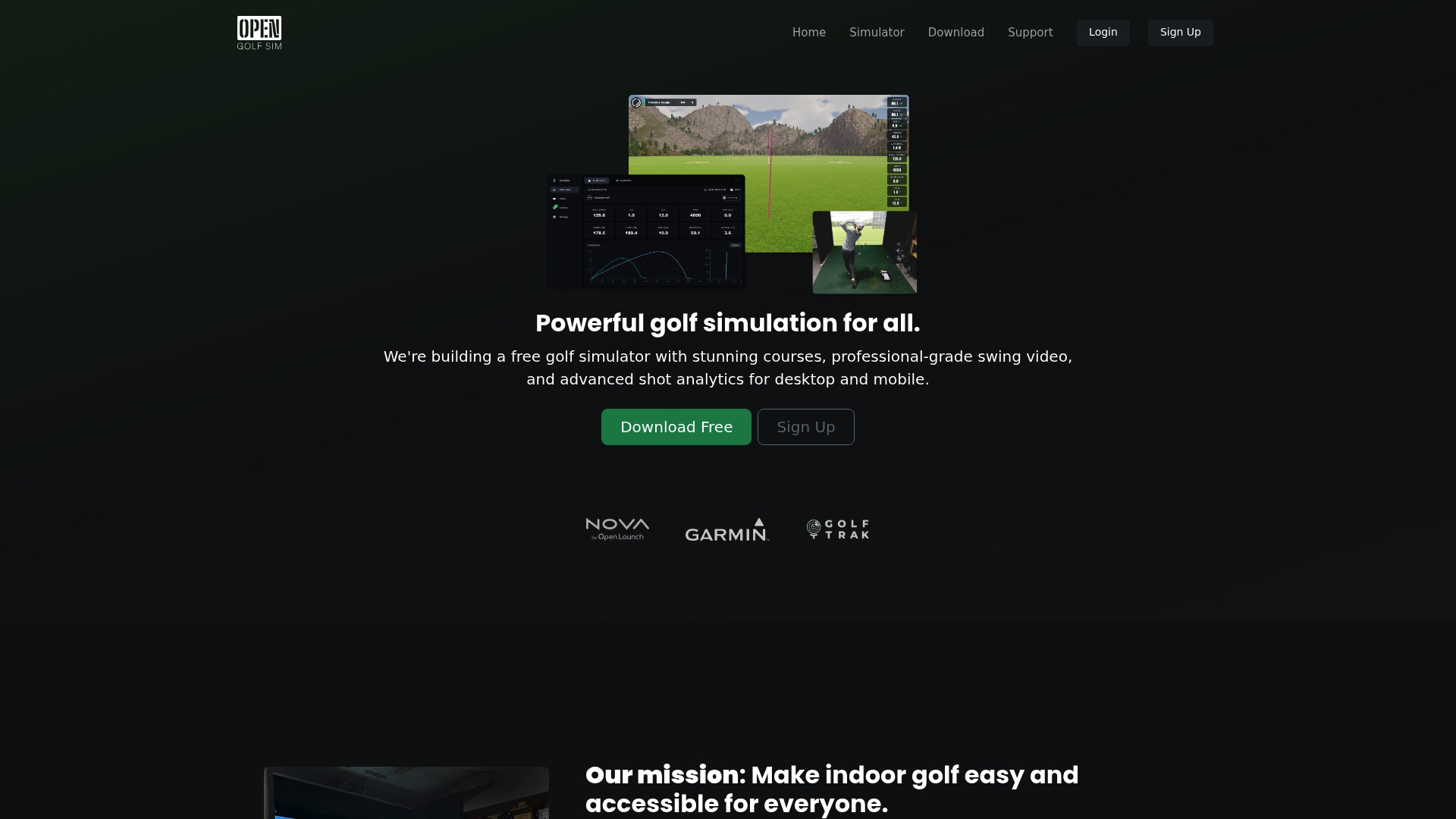
Completely free and open source, OpenGolfSim supports full 18 hole courses with high frame rate swing video capture. It connects launch monitors and webcams for shot tracking and allows online play with friends. The platform runs on desktop and mobile, including Windows, MacOS, iOS, and Android devices.
Core Features
Play full 18 hole courses with friends, record swing video at high frame rates, and review slow motion footage alongside shot metrics. Shot visualization displays launch angle, ball speed, and carry estimates while feedback tools chart tendencies across sessions. Open source tools let hobbyists build custom courses and integrate hardware drivers for supported launch monitors and webcam rigs.
Key Differentiator
The clearest distinction is that OpenGolfSim combines a free license with deep customization options for courses and hardware. Community contributed course assets and drivers let users extend the system without vendor lock in. That approach makes the software adaptable for hobbyists who want to modify or expand their simulator setup.
Pros
The free cost lowers the barrier to entry for home setups and experimental projects. The app pairs professional grade swing video with detailed shot analytics and cross platform support for Windows, MacOS, iOS, and Android. Open source tooling encourages customization and community contributions, and the software supports a broad range of launch monitors for richer analysis.
Cons
-
Setup requires technical skills for hardware wiring, camera calibration, and software configuration, which raises the initial complexity.
-
The software may lack some advanced features and polish found in high end commercial simulators.
-
Full functionality depends on compatible launch monitors and webcams, so older or budget hardware can limit results.
When It May Not Fit
If you want a plug and play commercial simulator with formal vendor support and warranty, this is the wrong fit. Clubs or retailers that need turnkey installation and service will miss a commercial support contract. Casual players without a compatible launch monitor or those unwilling to tweak drivers and camera settings should choose a supported commercial option.
Who It's For
Golf enthusiasts and amateur players who like to tinker will get the most from this software. People on a tight budget who still want swing analysis and shot tracking will appreciate the free model. Users who want to design custom courses or contribute code and assets to a community project will find strong alignment.
Real World Use Case
A hobbyist installs the software at home, connects a compatible launch monitor and a high speed webcam, and records practice sessions. They review slow motion swing video, track shot dispersion across weeks, and share custom courses and matches with friends online. The setup becomes a low cost training and social platform for regular practice.
Website: https://opengolfsim.com
Comparison of alternatives
Sim2coursecaddie.com provides golfers with detailed club performance insights tailored to individual simulator outputs, distinguishing it among its peers. The following analysis highlights strengths across competitors to aid in selecting the solution for varying golf practice scenarios.
Customization and Cost
OpenGolfSim stands out for its free and open-source platform, granting access to swing analysis paired with high frame rate capture at no cost. Hobbyists and amateur players benefit from its adaptability but face technical setup complexities that suit those comfortable with system configurations and hardware calibration.
Personalized Practice Workflows
CORE Golf excels in structured routines that emphasize on-course transfer, offering over 100 drills that adapt with improvement. Its focus appeals to players targeting measurable skill enhancement, though it lacks the simulator integration central to sim2coursecaddie.com users.
Best fit
- Sim2coursecaddie.com suits golfers utilizing simulators who seek exacting club performance insights derived from personalized carry data.
- OpenGolfSim works for technical users committed to free solutions, providing swing analysis without subscription fees.
- CORE Golf benefits those preferring structured drill-based routines that improve real-game outcomes.
- Snap 'n Track provides accessible video capture and basic performance analysis for players desiring social-enabled practice.
- Upgame accommodates teams and professionals needing tournament-centric analytics and management tools.
Our pick
Sim2coursecaddie.com excels in delivering personalized club analytics, making it the recommended solution for simulator users who prioritize tailored performance insights. However, OpenGolfSim remains a preferable choice for budget-conscious users willing to handle setup complexity. Golfer needs dictate the final selection, ensuring alignment with available features.
Comparing platforms highlights flexibility and features for your specific golfing practices.
| Product | Core Feature | Best For | Pricing | Notable Limitation |
|---|---|---|---|---|
| Sim2coursecaddie | Searchable bag database and shot maps | Personalized club recommendations | $14.99/month | Requires data exports for full use |
| GolfTrak | iPhone launch monitor | Smartphone-based practice | $14.99-$29.99/month | No Android version, accuracy may vary |
| Upgame | Team dashboards and live insights | Tournament management | Price not published | Heavy reliance on Trackman data |
| CORE Golf | 100+ drills for measurable practices | Progressive on-course training | Price not published | Limited biomechanical feedback |
| Snap 'n Track | Offline recording and social features | Casual competitive practice | Free and paid tiers | Lacks structured coaching plans |
| OpenGolfSim | Open source customization capabilities | Hobbyist setups | Free | Requires technical setup knowledge |
Which Golf Simulator Solution Matches Your Practice Needs Best?
The article highlights key challenges serious amateur golfers face when choosing among tools like GolfTrak, Upgame, and OpenGolfSim. Finding an app that combines personalized AI club recommendations with easy data imports and actionable shot analysis can feel overwhelming. Many platforms require extra hardware or subscriptions, which complicates practice routines.
Sim2coursecaddie answers those issues with an accessible approach. It lets golfers import shot data from any simulator and instantly visualize swings inside a 3D driving range. The AI-generated club advice adapts to your unique play style without extra devices or costly plans. Serious golfers who want tailored insights to improve accuracy and consistency can explore Sim2coursecaddie and test the features risk-free.
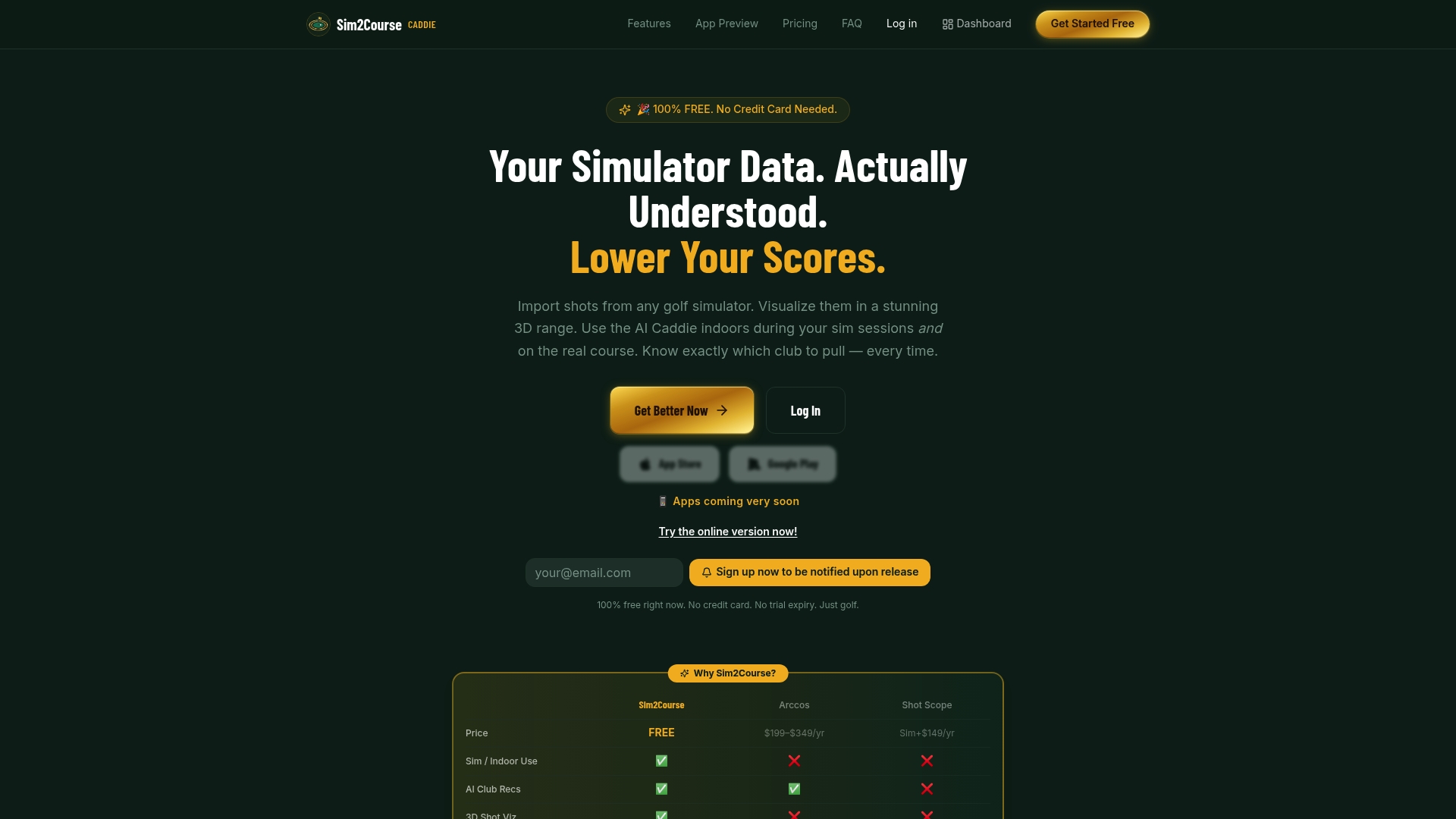
Ready to see personalized club recommendations based on your exported shot data? Visit Sim2coursecaddie to import your simulator records and analyze your performance for smarter on-course decisions.
FAQ
How does Sim2coursecaddie enhance golfer performance?
Sim2coursecaddie generates personalized golf recommendations based on player-specific data. The app turns CSV data or measured carry distances into a searchable bag database and visual shot maps. This feature allows players to analyze and improve their performance based on their unique statistics.
What is the difference between Upgame and Sim2coursecaddie?
Upgame stands out with its live synchronization with Trackman, which ties range telemetry to on-course performance for a seamless comparison. Sim2coursecaddie excels in providing personalized club recommendations based on your simulator data, making it suitable for individual practice sessions without relying on external hardware.
Can I use Snap 'n Track if I need a lightweight option for swing analysis?
Snap 'n Track offers a straightforward way to record practice swings and analyze performance with a focus on casual tracking. While it may lack in-depth coaching resources, using Sim2coursecaddie can provide a more comprehensive analysis based on specific player data and recommended adjustments.
How does GolfTrak compare for capturing shot metrics?
GolfTrak captures real-time shot metrics such as distance, club speed, and launch angles. Sim2coursecaddie focuses more on providing personalized recommendations from your data rather than real-time performance metrics, making it ideal for longer-term improvement plans.
What pricing plans does Sim2coursecaddie offer?
Sim2coursecaddie includes a free 14-day trial along with low subscription options following the trial period. This competitive pricing structure allows golfers to test the service with minimal financial commitment.
Is CORE Golf suitable for beginners?
CORE Golf offers personalized practice routines with a focus on practice transfer to course performance, appealing to beginners wanting structured drills. While it emphasizes improvement through practice, Sim2coursecaddie can enhance the learning experience by offering individualized club recommendations based on player-specific data.